Include errors detected in VSCode - C++
The error message is like
cannot open source file "iostream". Please run the 'Select IntelliSense Configuration...' command to locate your system headers.

-
Click the bulb beside the error line
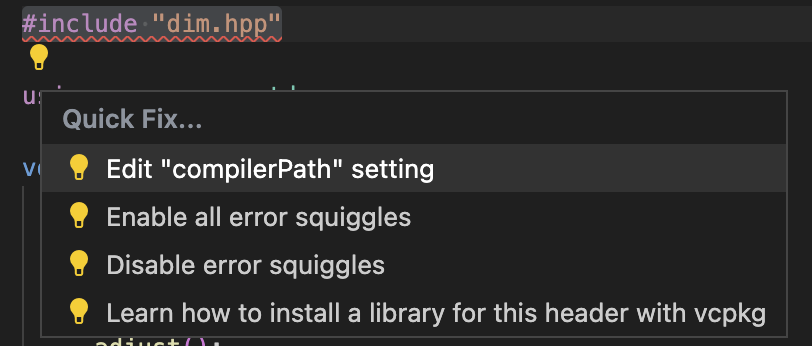
- Click
Edit “compilerPath” setting -
Select one from the list
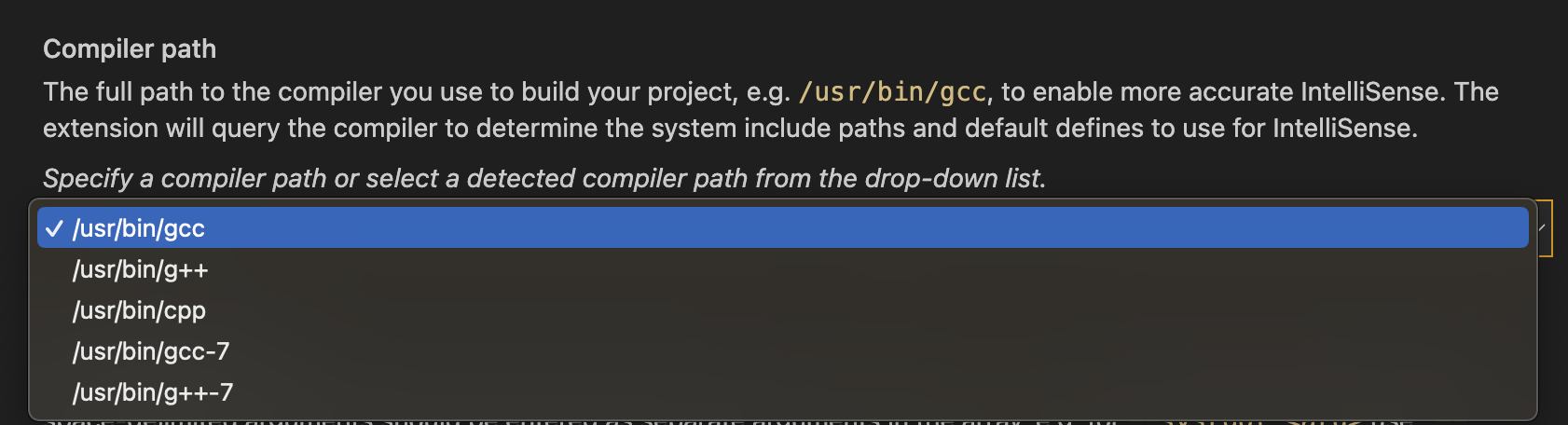
Now the problem should be fixed.